
What Is Encryption? A Beginner's Guide to the Digital Lockbox
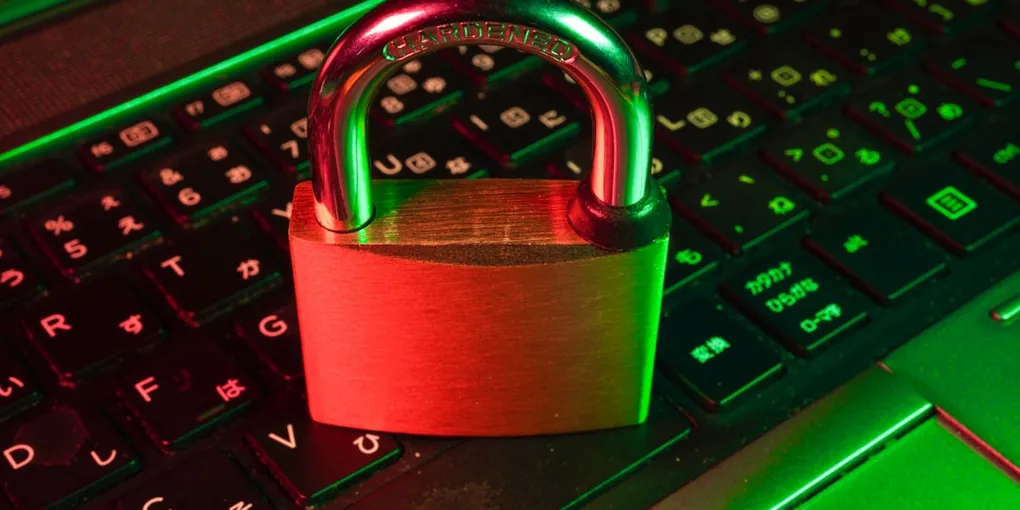
Imagine sending a postcard through the mail. Anyone who touches that card—the postal worker, the person sorting mail, or a curious neighbor—can easily read every word written on it. Now imagine putting that same message inside a heavy steel lockbox, locking it with a key, and mailing the box instead. Only the person holding the matching key can open it and read your note.
In the digital world, that locked box is encryption.
Whether you realize it or not, encryption works behind the scenes every single day to protect your digital life. From your private messaging chats and online banking transactions to the passwords saved on your smartphone, encryption is the invisible superhero of the internet. But how does it actually work, and why should you care? Let’s break it down without the confusing computer science jargon.
What Is Encryption, Exactly?
At its core, encryption is the process of taking normal, readable information (called plaintext) and scrambling it into a garbled, unreadable mess (called ciphertext).
Think of it like a secret code you might have played with as a kid. If you wanted to send a hidden message like “HELLO” to a friend, you might shift every letter forward by one spot in the alphabet. “HELLO” becomes “IFMMP.” To anyone who doesn’t know your rule, “IFMMP” looks like complete nonsense. But to your friend who knows the “shift by one position” trick, it turns right back into “HELLO.”
Modern computer encryption works on the exact same principle, but on a massive scale. Instead of shifting letters by one spot, computers use complex mathematical formulas called algorithms alongside extremely long digital keys. These keys are so complex that even the world’s most powerful supercomputers would take billions of years of trial and error to guess them.
Symmetric vs. Asymmetric Encryption: One Key or Two?
To understand how the internet stays safe, it helps to know about the two main ways encryption works: symmetric and asymmetric. Don’t let the big names intimidate you—the difference comes down to how keys are handled.
1. Symmetric Encryption (The Shared Key)
Imagine you and a roommate share a house key. Both of you can use your identical key to lock the front door or unlock it.
In symmetric encryption, the exact same secret key is used to scramble and unscramble the message. It’s super fast and efficient, which makes it perfect for protecting large chunks of stored data, like the photos and files on your computer’s hard drive.
2. Asymmetric Encryption (The Padlock Trick)
Now imagine you want to receive a private message from someone you’ve never met. You can’t safely mail them a copy of your house key across the world—someone might copy it along the way!
Instead, asymmetric encryption uses a clever pair of two keys: a public key and a private key.
- Your public key is like an unlatched padlock that you hand out to the public. Anyone can use it to lock a box containing a message for you.
- Your private key is the only key on Earth that can open that padlock. You keep it completely secret.
When someone wants to send you private data online, their computer locks it using your public key. Once that box snaps shut, even the person who locked it cannot open it again! Only you, using your private key, can unlock and read the message.
Where Do You Use Encryption Every Day?
You don’t need to be a technology expert to benefit from encryption—you’re already using it every single day:
- Web Browsing (HTTPS): Look at the web address in your browser. If it starts with
https://and shows a small padlock icon next to it, your connection to that website is encrypted. This keeps hackers on public Wi-Fi from spying on your credit card numbers or passwords. - Private Messaging: Apps like WhatsApp, Signal, and iMessage use end-to-end encryption. Your messages are scrambled on your phone and only unlocked when they arrive on your friend’s phone. Not even the app company can read what you write.
- Smartphones and Laptops: Modern phones automatically encrypt your storage when locked. If a thief steals your locked device, they can’t simply plug it into another computer to read your photos or notes.
How to Keep Your Encrypted Data Safe
While math does the heavy lifting, encryption relies on you keeping your digital keys safe. Here are three simple steps you can take today:
- Use a Strong Device Passcode: Your phone’s passcode acts as the master key to decrypt your stored files. Avoid simple codes like “1234” or your birth year.
- Turn On Two-Factor Authentication (2FA): Adding a second verification step protects your online accounts even if someone manages to steal your password.
- Keep Your Devices Updated: Operating system updates fix security holes that attackers could use to bypass encryption features.
The Bottom Line
Encryption isn’t just for computer scientists—it is the foundational trust mechanism of our digital world. By transforming open communications into secure, scrambled lockboxes, encryption allows us to shop, bank, socialize, and work online safely. The next time you see that tiny padlock icon in your web browser, you can rest easy knowing that powerful mathematics is keeping your personal life private.