
What Is a Password Manager and Why You Need One
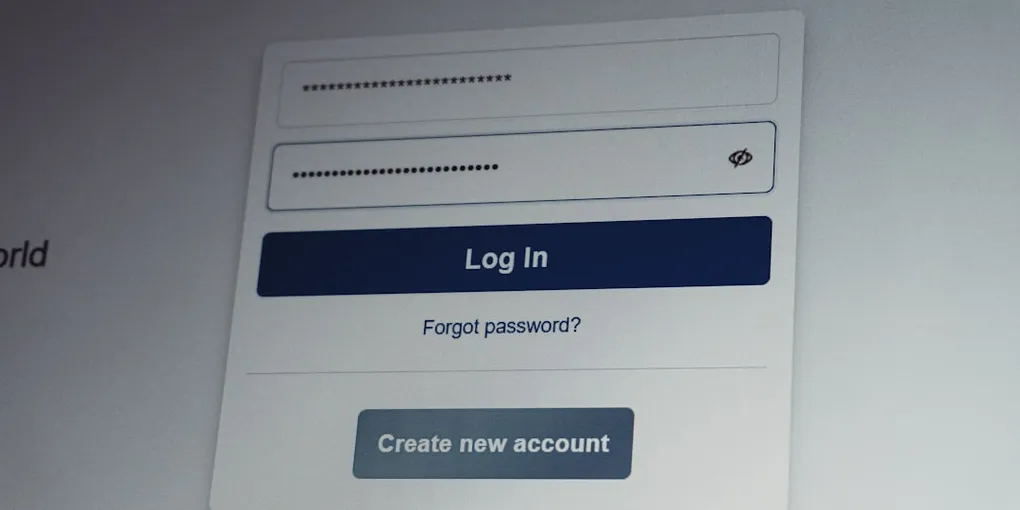
Have you ever found yourself staring at a login screen, trying to remember if your password ends with an exclamation point, your childhood dog’s name, or your birth year? If so, you are definitely not alone. Most of us have dozens, if not hundreds, of online accounts. Trying to remember unique, complex passwords for every single site feels practically impossible.
Because human memory has its limits, many people fall into dangerous habits. They reuse the exact same password everywhere, or make small tweaks like adding ‘1’ or ‘2’ at the end. Unfortunately, bad actors on the internet know these tricks all too well.
This is where a password manager comes in to save the day. In this post, we will break down what a password manager is, how it keeps you safe, and how you can set one up today.
What Is a Password Manager?
At its core, a password manager is a software application designed to generate, store, and manage your passwords in an encrypted format. Think of it like a digital safe that lives on your phone, computer, or web browser.
Instead of needing to remember forty different passwords, you only need to remember one single master password. The password manager handles everything else.
When you want to log into a website like your bank or favorite online store, the password manager automatically fills in your username and password for you. You never have to type, memorize, or write down a long string of random characters ever again.
How Does a Password Manager Work?
Imagine you have a physical vault at home. Inside this vault, you store individual keys to every room, drawer, and cabinet in your house. To get inside the main vault, you need a single special master key.
In the digital world, your password manager is that vault.
-
Encryption: When you save a password in your password manager, the app scrambles that password using advanced mathematics called encryption. Without your secret master password, that scrambled data looks like total gibberish to anyone trying to peek.
-
Zero-Knowledge Architecture: The best password managers use what security experts call zero-knowledge security. This means the company making the software does not know your master password, nor can they read the passwords stored in your vault. Only you hold the master key.
-
Strong Password Generation: When you create a new account, the password manager can instantly create a random, extremely complex password for you—something like ‘k9#mP!2$vL9z’. These passwords are nearly impossible for automated computer programs to guess.
But Isn’t Putting All Your Eggs in One Basket Risky?
It is completely natural to feel hesitant about storing every single password in one place. What happens if someone hacks the password manager?
While no security tool is 100 percent foolproof, using a password manager is vastly safer than reusing simple passwords across multiple websites. Here is why:
If a hacker steals your password from a low-security website where you reused your main password, they will immediately try that same password on your email, online banking, and social media. This is called credential stuffing, and it happens thousands of times every day.
With a password manager, every account has a unique, long, random password. If one website suffers a security breach, none of your other accounts are affected!
Furthermore, high-quality password managers protect your digital vault with top-grade encryption. Even if a cybercriminal managed to steal the encrypted vault file, it would take supercomputers thousands of years to crack open your master password—assuming you chose a strong one.
How to Get Started in 3 Simple Steps
Switching to a password manager might sound overwhelming, but you do not have to migrate everything in a single day. You can take it step by step.
-
Pick a Reputable Password Manager: Look for well-known, respected tools like 1Password, Bitwarden, or Dashlane. Bitwarden offers a fantastic free version that works across almost all devices.
-
Create an Unforgettable Master Password: Your master password is the key to your digital castle. Make it long and memorable by combining three or four random words together—for example, ‘PurpleGuitarMonkeyJump!’. Write it down on a piece of paper and hide it in a safe spot while you learn it.
-
Start Saving As You Go: You do not need to sit down and update 100 accounts right away. Simply install the app or browser extension, and whenever you log into a website, let the app ask to save your credentials. Over time, your vault will fill up naturally.
Take Control of Your Digital Security
Security does not have to be inconvenient or scary. By letting a password manager do the heavy lifting of remembering and generating complex codes, you instantly boost your online protection while making your digital life much easier. Give it a try this week, and say goodbye to the password reset button forever!
Photo by Zulfugar Karimov on Unsplash.