
How to Create Strong Passwords (That You Can Actually Remember)
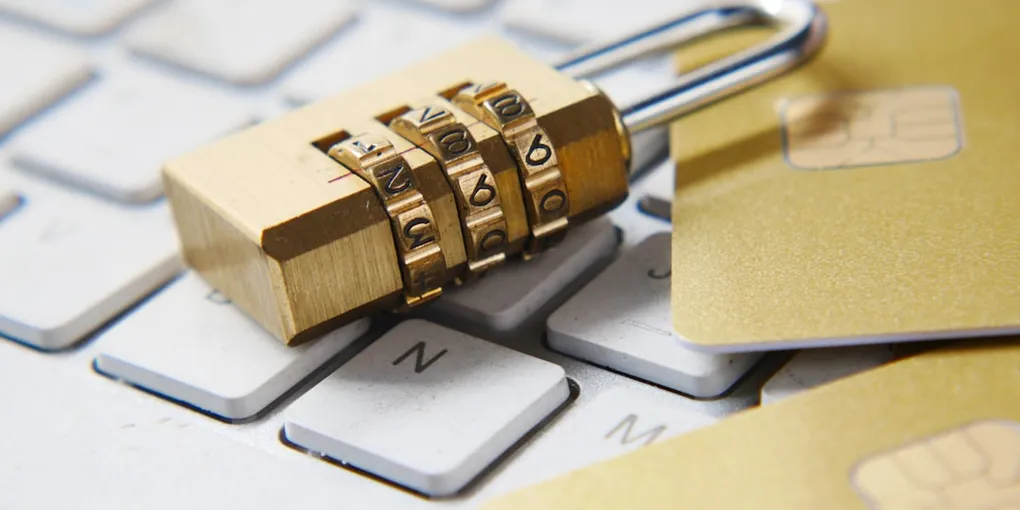
Imagine your online presence as a house. Inside, you have your private messages, family photos, bank accounts, and personal documents. The main lock on your front door is your password.
Now imagine choosing a lock that opens if someone simply turns the handle three times. That is what using a weak password like ‘123456’ or ‘Password2024’ is like.
In this guide, we will break down how attackers guess passwords, why traditional password rules often fail us, and how you can create super-secure passwords that you can actually remember without losing your mind.
How Cybercriminals Crack Passwords
To understand what makes a password strong, it helps to understand how bad actors try to break them.
Attackers rarely sit at a keyboard typing in guesses one by one like in the movies. Instead, they use automated computer programs that can test millions of password combinations per second. This technique is called a brute force attack.
Think of it like a digital cycle lock. A human might take hours to test every number combination from 0000 to 9999. A computer program can check all ten thousand combinations in a fraction of a millisecond.
Computers also use dictionary attacks. These are special lists containing billions of common passwords, dictionary words, names, and popular keyboard patterns like ‘qwerty’. If your password is a real word or a common phrase, an automated tool will find it instantly.
Why Traditional Password Advice Is Broken
For years, websites forced us to create passwords like ‘P@ssw0rd!1’. We were told to substitute letters with numbers and symbols, like using an ‘at’ sign for an ‘A’ or a zero for an ‘O’.
Here is the secret: computer programs know these tricks! Software tools automatically test common substitutions like zero for ‘O’, ‘3’ for ‘E’, and ‘!’ for ‘I’.
Even worse, these weird combinations are extremely hard for humans to remember, forcing people to write them down on sticky notes attached to their monitors.
Short, complex passwords like ‘Tr0u$8’ are hard for you to remember, but easy for computers to crack because they are short. On the other hand, long passwords are much harder for computers to crack, even if they use normal letters!
The Secret Solution: Use a Passphrase
Instead of trying to remember a messy soup of random characters, use a passphrase.
A passphrase is a string of several random, unrelated words strung together to form a long password.
For example, consider these two options: Option A: ‘P@ss2026!’ (9 characters) Option B: ‘purple-turtle-dances-underwater’ (31 characters)
Option A looks tricky, but a computer program can crack it in a matter of minutes or hours using common pattern lists.
Option B consists of basic words, but because it is 31 characters long, guessing every possible combination of words would take a supercomputer billions of years! Best of all, Option B is easy for you to visualize and remember.
Three Rules for Unbeatable Passphrases
When creating a new passphrase, keep these three golden rules in mind:
- Make it long: Aim for at least 16 characters. Length is your best defense against automated cracking tools.
- Make it random: Choose words that have no logical connection to each other. ‘I-love-my-dog’ is predictable. ‘cloud-banana-toaster-silver’ is random and much safer.
- Keep it unique: Never reuse the same password or passphrase across multiple accounts. If a site you use suffers a data leak, hackers will try your leaked password on every other popular website.
How to Manage Your New Passwords
You might be thinking: ‘Creating a long, unique passphrase for dozens of websites sounds like a nightmare!’
And you are right. Humans are not built to memorize fifty different 20-character phrases.
This is where a password manager comes in handy. A password manager is like a digital vault that stores all your credentials securely behind one master key. You only need to memorize one strong passphrase for your vault, and the software handles the rest.
If you are not ready to use a password manager yet, start by securing your most important accounts first—like your primary email and bank accounts—with custom passphrases.
Your 5-Minute Action Plan
Ready to boost your personal cybersecurity today? Take these three simple steps right now:
First, check your email account. Since your email is used to reset passwords for almost everything else, give it your absolute strongest passphrase.
Second, turn on multi-factor authentication whenever it is offered. This adds an extra layer of defense, like a second lock on your door.
Third, pick three of your most important accounts and update their passwords to 4-word random passphrases.
Building good security habits does not require a computer science degree. By switching to long, random passphrases, you take away the easiest key cybercriminals use to enter your digital life!
Photo by Towfiqu barbhuiya on Unsplash.